
Understanding what’s included in WordPress website maintenance services is crucial before committing to a professional maintenance plan. Many website owners struggle to determine whether they’re getting comprehensive coverage or just basic updates that leave critical gaps in their site’s health and security.
Professional WordPress site maintenance service encompasses far more than simple plugin updates. From security monitoring and backup solutions to performance optimization and emergency support, quality WordPress Maintenance Services & Plans provide a complete safety net for your online presence.
This guide breaks down every component typically included in professional WordPress maintenance service packages, helping you evaluate providers and ensure your website receives the comprehensive care it deserves.
WordPress website maintenance services: what’s included Table of Contents
- Core WordPress Updates and Management
- Security Monitoring and Protection
- Backup and Disaster Recovery
- Performance Optimization
- Uptime Monitoring and Technical Support
- Content and SEO Maintenance
- Reporting and Analytics
- Frequently Asked Questions
- Protect Your Investment with Professional WordPress Care
Core WordPress Updates and Management
The foundation of any WordPress website maintenance services package includes keeping your WordPress installation current and functioning properly. This goes beyond simply clicking the “update” button when prompted.
WordPress Core Updates
Professional maintenance providers monitor WordPress core releases and apply updates strategically. They distinguish between minor security patches that can be applied immediately and major version updates that require testing in a staging environment first.
Core updates address security vulnerabilities, fix bugs, and introduce new features. A quality WordPress maintenance service ensures these updates are applied promptly while verifying compatibility with your existing plugins and themes.
Plugin and Theme Updates
Outdated plugins and themes represent the most common entry point for hackers. WordPress site maintenance service includes regular updates to all installed plugins and themes, ensuring you benefit from the latest security patches and feature improvements.
Before applying updates, professional services create backups and test updates in staging environments when possible. This prevents the dreaded “white screen of death” that can occur when incompatible updates are applied to live sites. For businesses looking to maintain their essential WordPress plugins, this systematic approach proves invaluable.
Security Monitoring and Protection
Security forms the cornerstone of comprehensive WordPress website maintenance services. Professional providers implement multiple layers of protection to safeguard your site against evolving threats.
Malware Scanning and Removal
Daily automated scans detect malware, malicious code, and unauthorized changes to your files. When threats are identified, professional maintenance services immediately quarantine affected files and remove malicious code while preserving legitimate website functionality.
This proactive approach catches security breaches early, often before search engines blacklist your site or visitors encounter security warnings. Regular scans also identify vulnerabilities that could be exploited by attackers.
Firewall Configuration
Web application firewalls (WAF) filter malicious traffic before it reaches your website. A quality WordPress maintenance service configures and maintains firewall rules that block common attack patterns like SQL injection, cross-site scripting, and brute force login attempts.
Firewall rules are continuously updated to address emerging threats, providing an essential first line of defense. This is one of many techniques to strengthen WordPress site security included in professional maintenance plans.
Login Security Enhancements
Professional services implement multiple authentication safeguards including:
- Two-factor authentication (2FA) for administrator accounts
- Login attempt limiting to prevent brute force attacks
- IP whitelisting for administrative access
- Strong password enforcement policies
- Regular security key rotation
These measures significantly reduce the risk of unauthorized access, which accounts for a substantial percentage of WordPress security breaches.
Backup and Disaster Recovery

Comprehensive backup solutions ensure your website can be restored quickly following any disaster, from hacking incidents to hosting failures. WordPress website maintenance services should include robust backup and recovery capabilities.
Automated Backup Solutions
Professional services schedule automated backups of your complete website, including files, databases, themes, plugins, and media uploads. Backup frequency varies based on your site’s activity level, with high-traffic or e-commerce sites requiring daily or even real-time backups.
Incremental backups save storage space by only backing up changes since the last backup, while full backups provide complete snapshots at regular intervals.
Off-Site Storage
Storing backups on the same server as your website defeats their purpose. Quality WordPress site maintenance service includes off-site backup storage in secure, geographically diverse locations.
Cloud storage solutions like Amazon S3, Google Drive, or Dropbox ensure your backups remain accessible even if your hosting provider experiences catastrophic failure. Multiple backup copies in different locations provide redundancy against data loss.
Backup Testing and Restoration
Untested backups are worthless. Professional maintenance providers periodically test backup restoration to verify data integrity and ensure rapid recovery when needed. They document restoration procedures and maintain restore points spanning several weeks or months.
When disaster strikes, quick restoration capabilities minimize downtime and data loss, getting your business back online rapidly.
Performance Optimization
Website speed directly impacts user experience, conversion rates, and search engine rankings. WordPress website maintenance services include ongoing performance optimization to keep your site loading quickly.
Speed Testing and Monitoring
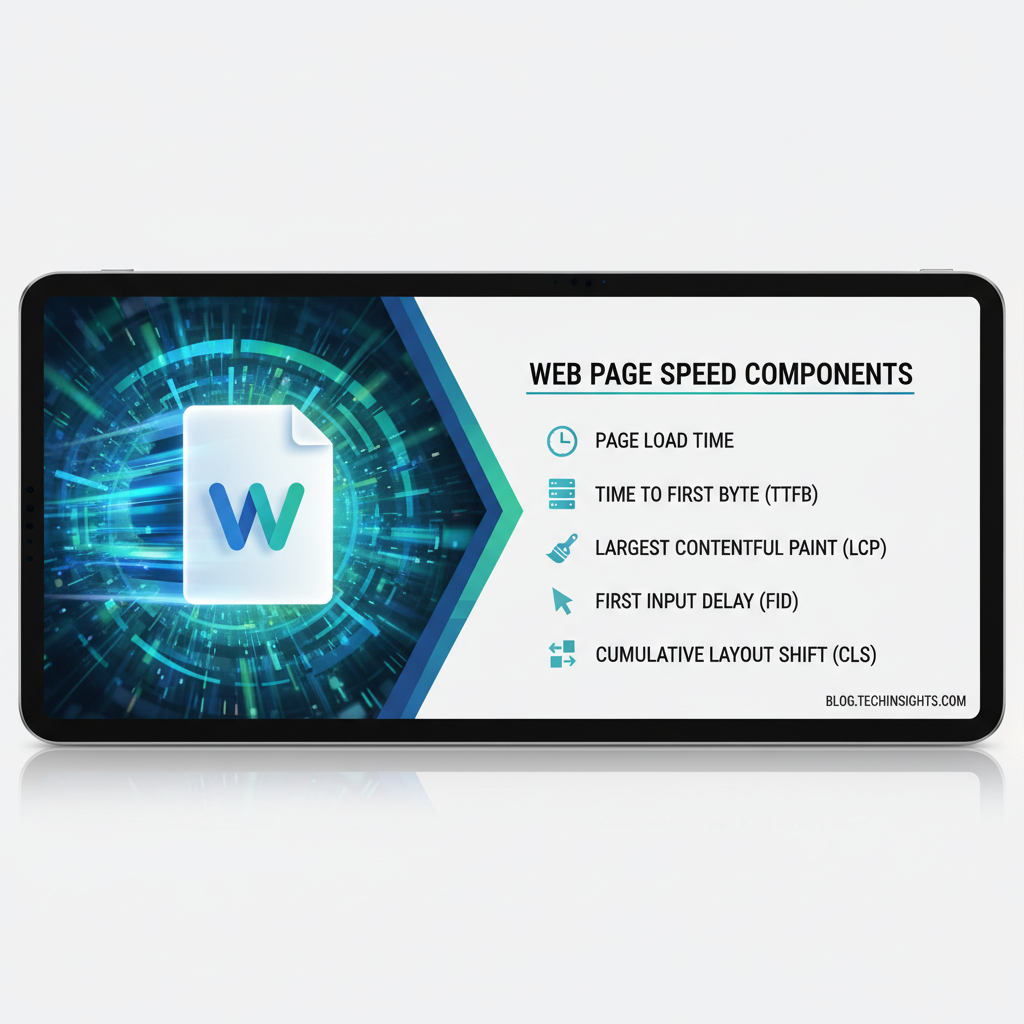
Regular speed tests using tools like GTmetrix, Google PageSpeed Insights, and Pingdom identify performance bottlenecks. Professional services monitor key metrics including:
- Page load time
- Time to first byte (TTFB)
- Largest contentful paint (LCP)
- First input delay (FID)
- Cumulative layout shift (CLS)
These Core Web Vitals increasingly influence search rankings, making performance optimization essential for SEO.
Database Optimization
Over time, WordPress databases accumulate unnecessary data from post revisions, spam comments, transient options, and orphaned metadata. Database optimization removes this bloat, reducing database size and improving query performance.
Professional WordPress maintenance service includes regular database optimization, table repair, and index optimization to maintain peak performance. This is particularly important for established sites with extensive content histories.
Image Compression and CDN Integration
Images typically account for the majority of page weight. Maintenance services optimize images through compression, format conversion (like WebP), and lazy loading implementation.
Content delivery network (CDN) integration distributes static assets across global servers, reducing latency for international visitors. Professional services configure and maintain CDN connections, ensuring optimal cache settings and purge schedules.
Uptime Monitoring and Technical Support
Downtime costs businesses money and damages reputation. Comprehensive WordPress site maintenance service includes proactive monitoring and responsive support to minimize offline periods.
24/7 Uptime Monitoring
Automated monitoring tools check your website’s availability every few minutes, alerting maintenance teams immediately when your site goes down. This enables rapid response before customers notice issues or significant revenue is lost.
Uptime monitoring also tracks response times, identifying performance degradation before it becomes critical. Historical uptime data provides accountability and helps identify patterns in availability issues.
Technical Support Access
Professional maintenance plans include access to WordPress experts who can troubleshoot issues, answer questions, and provide guidance. Support availability varies by plan, from business-hours email support to 24/7 phone and live chat access.
Having dedicated WordPress support eliminates the frustration of searching forums or hiring freelancers for every technical issue. Many businesses find this peace of mind worth the maintenance investment alone.
Emergency Response Services
When critical issues arise—site crashes, security breaches, or hosting failures—emergency response services provide immediate expert assistance. Professional WordPress website maintenance services include priority escalation for urgent problems.
Emergency response typically includes incident investigation, immediate remediation, and post-incident reporting. This rapid response capability minimizes business disruption during critical situations.
Content and SEO Maintenance
Beyond technical maintenance, many WordPress maintenance service packages include content-related services that keep your site’s information current and search-friendly.
Content Updates
Basic content updates—changing text, updating images, adding new pages—are often included in maintenance plans. The extent varies by plan level, from minor text changes to more substantial content additions.
This service saves time for busy business owners who lack WordPress expertise or simply prefer delegating routine updates to professionals. Content update allowances are typically measured in hours per month or specific task quantities.
SEO Health Checks
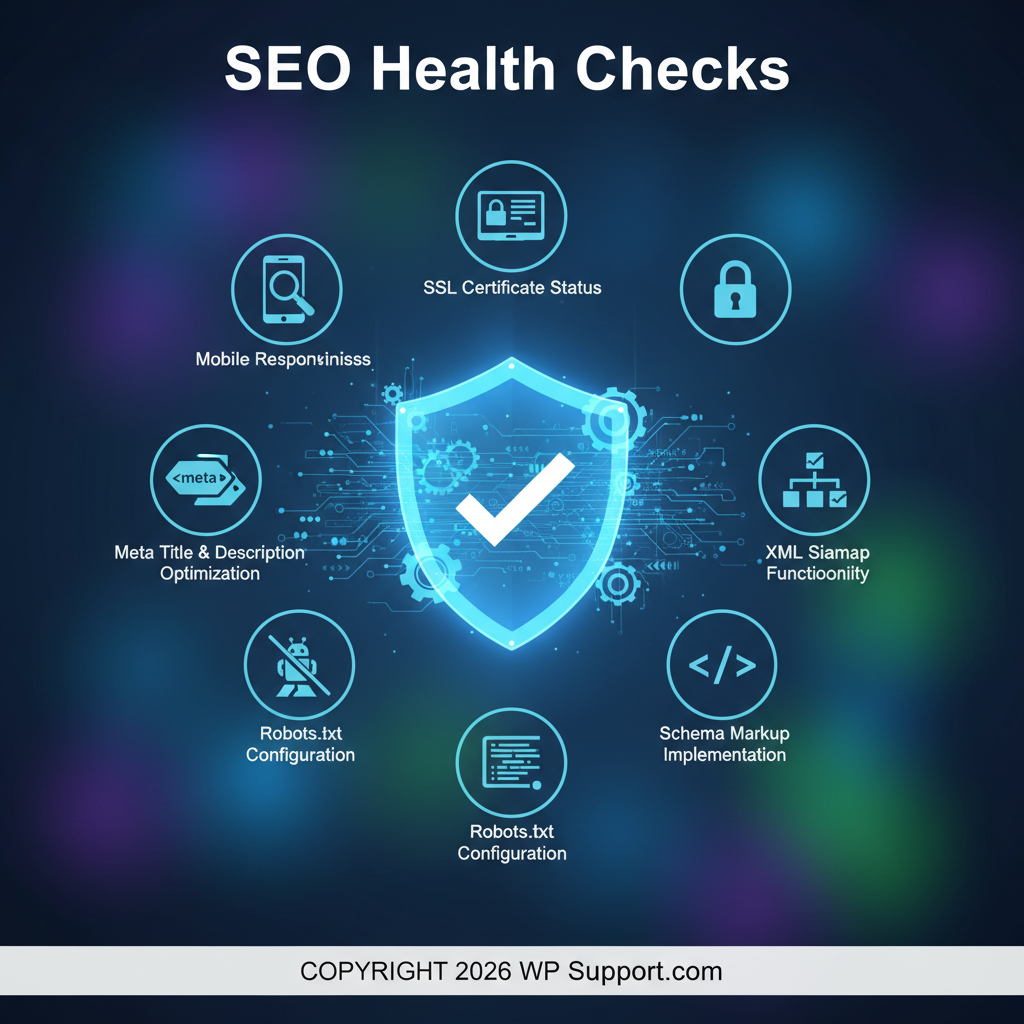
Search engine optimization requires ongoing attention. Professional maintenance includes periodic SEO audits checking for:
- Meta title and description optimization
- XML sitemap functionality
- Robots.txt configuration
- Schema markup implementation
- Mobile responsiveness
- SSL certificate status
These checks ensure your site maintains search engine visibility and addresses issues that could harm rankings.
Broken Link Monitoring
Broken links frustrate users and signal poor quality to search engines. WordPress website maintenance services include automated broken link detection across your entire site, with regular reports and repair recommendations.
Professional services identify both internal broken links (to pages that have moved or been deleted) and external links (to third-party sites that have changed or disappeared). Fixing these issues improves user experience and SEO performance.
Reporting and Analytics
Transparency and accountability separate professional WordPress site maintenance service from amateur offerings. Comprehensive reporting keeps you informed about your site’s health and the work being performed.
Monthly Maintenance Reports
Detailed monthly reports document all maintenance activities performed, including:
- Updates applied (core, plugins, themes)
- Security scans performed and threats detected
- Backups completed and storage locations
- Uptime statistics and downtime incidents
- Performance metrics and trends
- Support tickets resolved
These reports provide accountability and help you understand the value you’re receiving from your maintenance investment. They also create documentation useful for compliance or audit purposes.
Traffic and Performance Analytics
Many maintenance plans include traffic analysis and performance reporting beyond basic uptime monitoring. This might involve Google Analytics setup, conversion tracking, heat mapping, or custom reporting tailored to your business goals.
Understanding how visitors interact with your site informs improvement priorities and helps justify website investments to stakeholders. Some businesses appreciate having this analysis included in their maintenance package rather than managing it separately.
Frequently Asked Questions
What services are typically included in WordPress maintenance?
Most WordPress website maintenance services include core, plugin, and theme updates; security monitoring and malware removal; automated backups with off-site storage; uptime monitoring; and technical support. Advanced plans may add performance optimization, content updates, SEO monitoring, and priority support. The specific inclusions vary by provider and plan level, so reviewing detailed service descriptions is essential before selecting a package.
How often should WordPress maintenance be performed?
Critical maintenance tasks like security monitoring and backups should occur daily. Plugin and theme updates should be reviewed weekly and applied as needed. Core WordPress updates require attention as released, typically monthly for security patches and quarterly for major versions. Performance optimization, database cleanup, and comprehensive audits work well on monthly schedules. Professional WordPress maintenance service handles all these tasks automatically on appropriate schedules.
Do I really need professional WordPress maintenance services?
Professional maintenance becomes essential when your website is business-critical, you lack technical WordPress expertise, or you value time saved over DIY management. The cost of downtime, security breaches, or data loss typically far exceeds maintenance fees. Sites handling customer data, processing transactions, or generating significant revenue particularly benefit from professional WordPress site maintenance service. Consider it insurance against costly disasters and time drain.
What’s the difference between basic and premium maintenance plans?
Basic plans typically cover essential updates, basic security, and automated backups with limited support availability. Premium plans add advanced security features, performance optimization, priority support, higher backup frequencies, content update allowances, and dedicated account managers. The specific differences vary by provider, but premium plans generally provide more proactive optimization and faster response times versus reactive basic maintenance.
Can I perform WordPress maintenance myself?
Yes, technically skilled website owners can handle WordPress maintenance independently using the right tools and processes. However, this requires ongoing time investment, technical knowledge, and vigilance. You’ll need to implement proper WordPress setup procedures, maintain backup systems, monitor security, and stay current on best practices. Many business owners find the time and expertise requirements make professional WordPress website maintenance services more cost-effective.
How much do WordPress website maintenance services cost?
WordPress maintenance service pricing typically ranges from $50-$500+ monthly depending on plan level, site complexity, and included services. Basic plans start around $50-100/month for simple sites with essential maintenance. Mid-tier plans for business sites run $100-300/month with enhanced features. Enterprise plans for complex or high-traffic sites exceed $300/month with premium support and advanced services. When evaluating pricing and comparing packages, consider what’s included versus your specific needs.
Protect Your Investment with Professional WordPress Care
Understanding what’s included in WordPress website maintenance services empowers you to make informed decisions about protecting your website investment. The comprehensive coverage outlined in this guide—from security and backups to performance and support—represents the baseline for quality professional maintenance.
Your website serves as your digital storefront, operating 24/7 to serve customers, generate leads, and build your brand. Neglecting maintenance risks security breaches, data loss, poor performance, and costly downtime that damages both revenue and reputation.
At WP.Support, we deliver comprehensive WordPress website maintenance services tailored to your specific needs and budget. Our plans include all essential services discussed in this guide, from daily security monitoring to performance optimization and priority technical support. We understand that WordPress maintenance plans are essential for business success, which is why we’ve designed flexible packages that provide peace of mind without breaking your budget.
Ready to stop worrying about WordPress technical details and focus on growing your business? Explore our WordPress care plan pricing or contact us today to discuss which maintenance package best fits your needs. Let our WordPress experts handle the technical complexity while you concentrate on what you do best—running your business.