Table of Contents
WordPress Website Maintenance Services: The Complete Guide to Keeping Your Site Secure and Optimized
Your WordPress website is a critical business asset that requires ongoing care and attention. WordPress website maintenance services ensure your site remains secure, fast, and functional while you focus on growing your business. Without regular maintenance, even the most beautifully designed website can become vulnerable to security threats, performance issues, and compatibility problems.
In this comprehensive guide, we’ll explore everything you need to know about WordPress maintenance, from understanding what these services include to determining whether professional support is right for your business. Whether you’re a small business owner, blogger, or enterprise organization, maintaining your WordPress site should be a top priority.
What Are WordPress Website Maintenance Services?
WordPress website maintenance services encompass all the ongoing tasks necessary to keep your WordPress site running smoothly, securely, and efficiently. These services go far beyond simply updating WordPress when prompted—they represent a comprehensive approach to website health management.
Professional maintenance providers handle technical tasks that most website owners either don’t have time for or lack the expertise to perform safely. This includes everything from security hardening and backup management to performance optimization and troubleshooting.
The scope of maintenance services can vary significantly between providers, ranging from basic update management to comprehensive 24/7 monitoring and support. Understanding what’s included in different service tiers helps you make an informed decision about what level of support your website needs.
Why WordPress Maintenance Is Non-Negotiable in 2026
The digital landscape has become increasingly complex and hostile to unprotected websites. WordPress powers over 43% of all websites on the internet, making it a prime target for hackers, malware distributors, and other malicious actors.
Security Vulnerabilities Are Constantly Evolving

New security vulnerabilities are discovered regularly in WordPress core, plugins, and themes. Cybercriminals actively scan the internet for websites running outdated software versions with known vulnerabilities. A single outdated plugin can provide hackers with an entry point to compromise your entire website.
Professional maintenance services stay current with emerging threats and apply security patches immediately when they become available. This proactive approach prevents exploitation before it occurs.
Performance Degradation Happens Gradually
Website performance doesn’t typically fail catastrophically—it degrades slowly over time. Database tables become bloated with unnecessary data, image libraries grow unwieldy, and cache systems become less effective. These incremental changes compound until visitors notice slow loading times.
Regular maintenance includes performance audits and optimization tasks that keep your site loading quickly. This ongoing attention prevents the gradual slowdown that happens when websites are left unattended.
Search Engine Rankings Depend on Site Health
Google and other search engines consider numerous technical factors when ranking websites. Site speed, mobile responsiveness, security (HTTPS), and uptime all influence where your pages appear in search results. A poorly maintained WordPress site will gradually lose rankings to better-maintained competitors.
Maintenance services ensure your site meets current SEO technical requirements and adapts to algorithm changes. This protects the organic traffic you’ve worked hard to build.
Core Components of Professional WordPress Maintenance
Quality WordPress website maintenance services should include several essential components working together to protect and optimize your site. Let’s examine each critical element.
Regular WordPress Core Updates
WordPress releases major updates several times per year, along with minor security and maintenance releases. Each update may include security patches, bug fixes, and new features. Professional maintenance services test these updates in staging environments before applying them to your live site, preventing compatibility issues.
This testing phase is crucial because updates can sometimes conflict with specific themes or plugins. A maintenance provider identifies and resolves these conflicts before they affect your visitors.
Plugin and Theme Management
The average WordPress site uses 20-30 plugins, each requiring regular updates. Theme updates are equally important for security and functionality. Maintenance services manage this entire ecosystem, ensuring all components remain current and compatible.
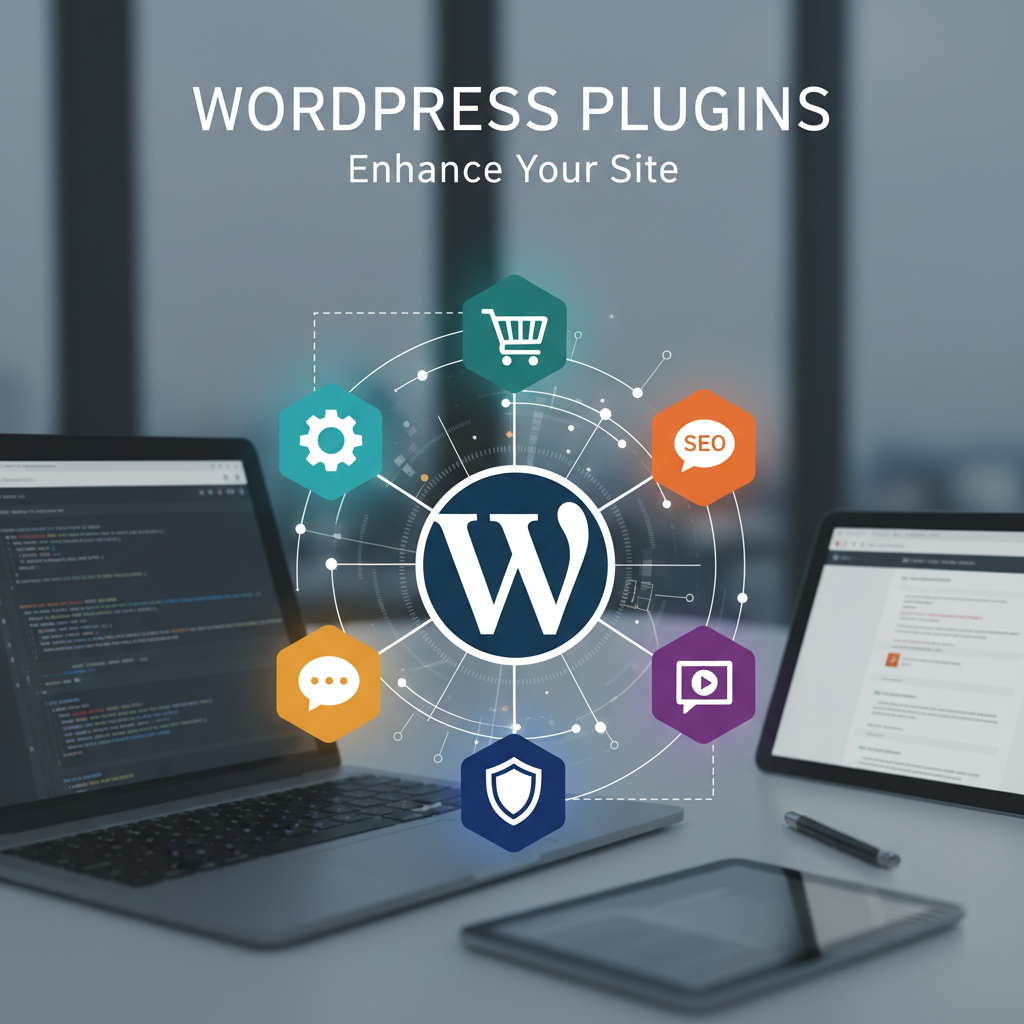
Beyond updates, professional services also audit your plugin selection regularly. They identify redundant, outdated, or poorly coded plugins that should be removed or replaced with better alternatives. For guidance on which plugins are worth keeping, check out our list of essential WordPress plugins for your business site.
Security Monitoring and Malware Scanning
Continuous security monitoring detects suspicious activity before it becomes a major problem. This includes:
- Real-time malware scanning and removal
- Firewall configuration and management
- Login attempt monitoring and brute force protection
- File integrity monitoring to detect unauthorized changes
- Security hardening through configuration optimization
- SSL certificate management and renewal
These security layers work together to create a robust defense system that protects your website, customer data, and business reputation. Learn more about implementing simple techniques to strengthen WordPress site security.
Automated Backup Solutions
Regular backups are your safety net when something goes wrong. Professional maintenance services implement automated backup systems that store complete copies of your website files and database in secure, off-site locations.
More importantly, these services regularly test backup restoration to ensure backups actually work when needed. Many DIY backup solutions fail during critical moments because they were never properly tested.
Performance Optimization
Website speed directly impacts user experience, conversion rates, and search rankings. Ongoing performance optimization includes:
- Image compression and optimization
- Database cleanup and optimization
- Caching configuration and management
- Code minification for CSS and JavaScript
- Content Delivery Network (CDN) integration
- Server resource monitoring and optimization
These optimizations are not one-time tasks—they require ongoing attention as your content library grows and traffic patterns evolve.
Uptime Monitoring
Your website should be accessible 24/7, but server issues, plugin conflicts, or other problems can cause unexpected downtime. Uptime monitoring services check your site every few minutes and alert your maintenance team immediately if problems are detected.
Quick response to downtime minimizes revenue loss and prevents damage to your search engine rankings. Professional maintenance teams can often restore service within minutes of an outage.
The True Cost of Neglecting WordPress Maintenance
Understanding the risks of inadequate maintenance helps put the value of professional services into perspective. The costs of neglect far exceed the investment in proper maintenance.
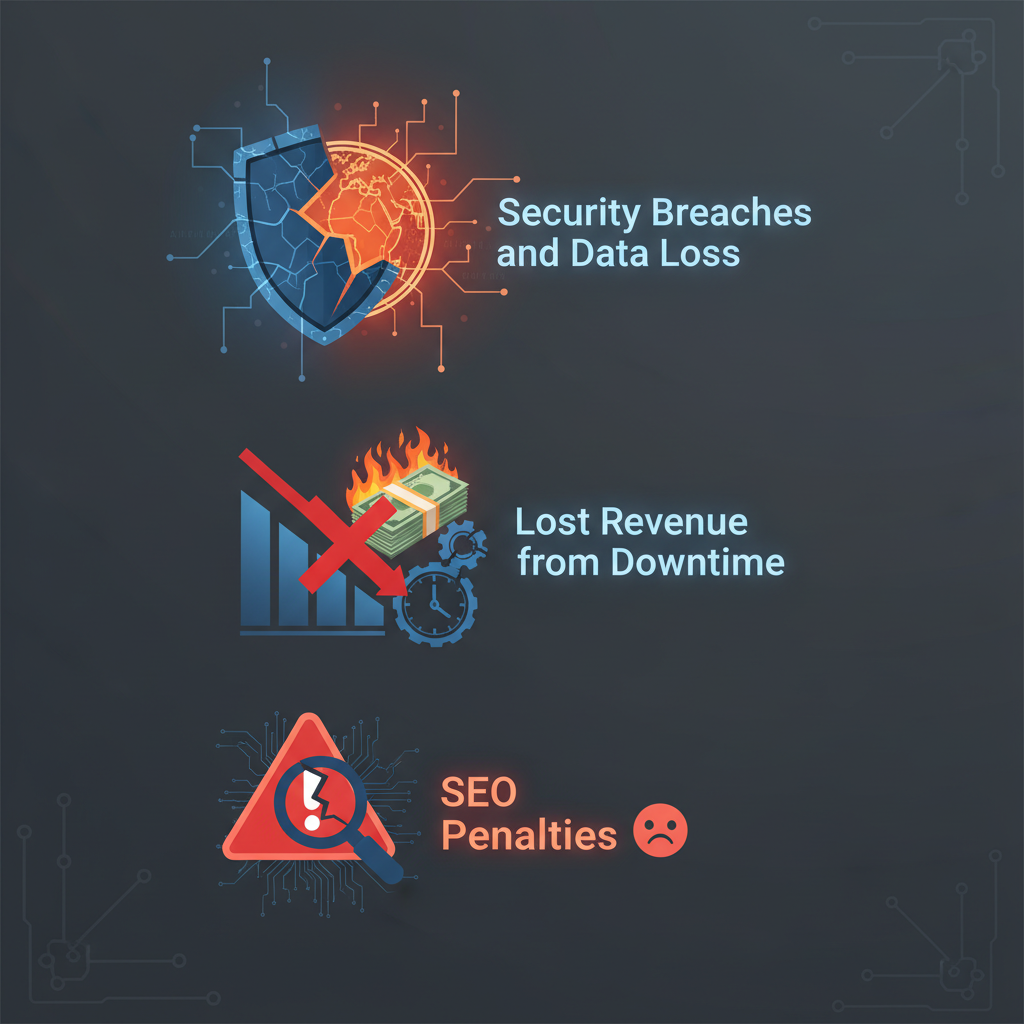
Security Breaches and Data Loss
A hacked website can result in stolen customer data, defaced content, and distribution of malware to your visitors. The average cost of recovering from a security breach ranges from $2,000 to $20,000, depending on severity. Beyond immediate recovery costs, breaches damage customer trust and brand reputation in ways that are difficult to quantify.
Legal liability is another concern, particularly with GDPR and other data protection regulations. Businesses that fail to adequately protect customer data face significant fines and legal action.
Lost Revenue from Downtime
Every minute your website is down, you’re losing potential sales and frustrating existing customers. For e-commerce sites, the math is straightforward—if you normally generate $500 per hour in sales, a four-hour outage costs $2,000 in direct revenue loss.
The indirect costs are often higher. Customers who encounter a down website may never return, choosing competitors instead. Your reputation suffers as word spreads about reliability problems.
SEO Penalties and Traffic Loss
Google penalizes hacked websites, removing them from search results to protect users. Recovery from such penalties can take months, during which your organic traffic essentially disappears. Even without hacking, poor site performance and frequent downtime gradually erode your search rankings.
Rebuilding lost search visibility requires significant time and money invested in SEO efforts. Prevention through proper maintenance is far more cost-effective than recovery.
DIY Maintenance vs. Professional WordPress Maintenance Services
Many website owners attempt to handle WordPress maintenance themselves, with varying degrees of success. Understanding when DIY makes sense and when professional services are necessary helps you make the right choice for your situation.
When DIY Maintenance Makes Sense
DIY maintenance can work for simple personal blogs or hobby websites where downtime doesn’t impact your livelihood. If your site has minimal plugins, doesn’t collect customer data, and you have time to learn WordPress maintenance best practices, managing it yourself is feasible.
However, even technically skilled website owners often find that the time required for proper maintenance exceeds the cost of professional services. The question becomes whether your time is better spent on core business activities rather than technical maintenance.
Why Businesses Choose Professional Services
Professional WordPress website maintenance services offer several advantages that DIY approaches cannot match:
- Expert knowledge: Maintenance teams stay current with WordPress best practices, security threats, and optimization techniques
- Specialized tools: Professional services use premium security, monitoring, and optimization tools too expensive for individual sites
- Time savings: Your time is freed for business-critical activities rather than technical tasks
- Risk mitigation: Professional liability coverage protects you if something goes wrong
- 24/7 availability: Issues are addressed immediately, regardless of when they occur
- Proven processes: Established procedures ensure nothing is overlooked
For business websites where downtime directly impacts revenue, professional maintenance quickly pays for itself through prevented problems and recovered time. Discover more about why you need a WordPress maintenance plan for your business.
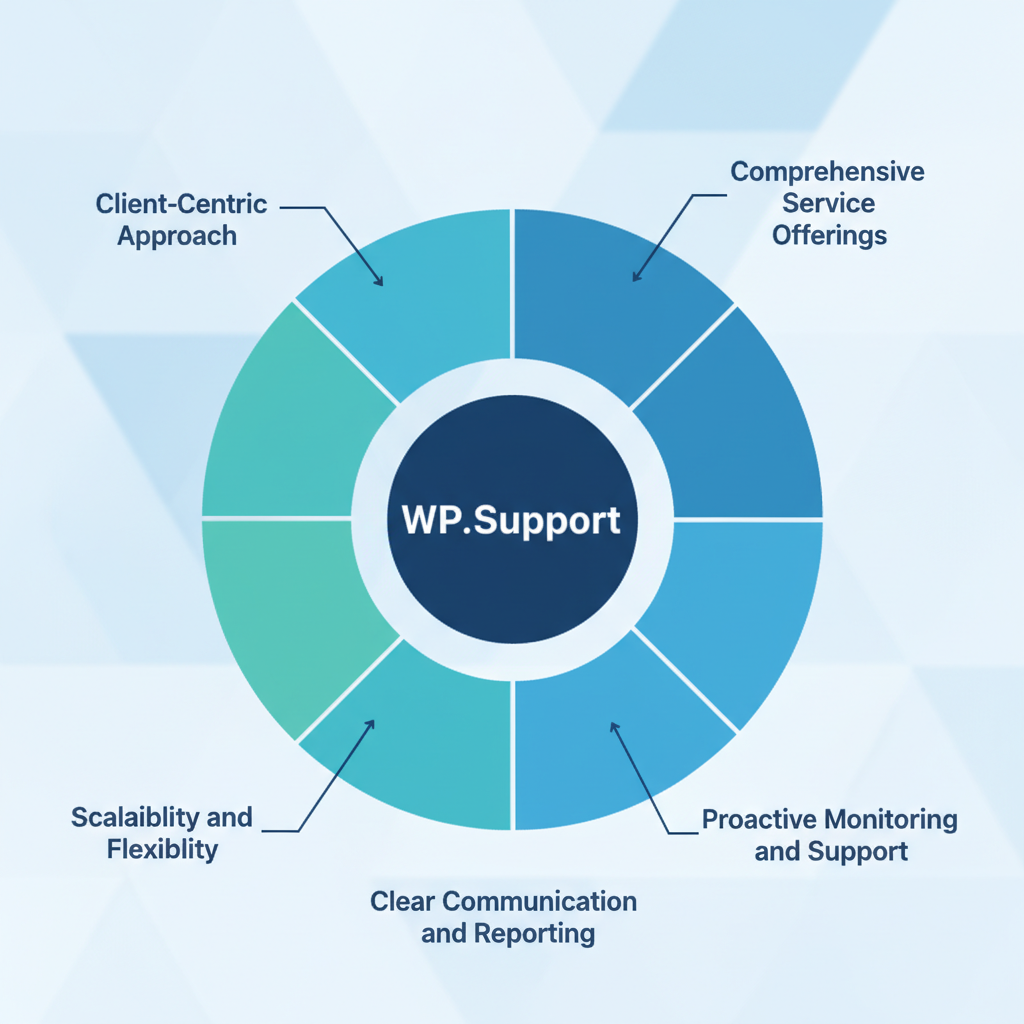
What to Look for in WordPress Website Maintenance Services
Not all maintenance services are created equal. Understanding what separates excellent providers from mediocre ones helps you make an informed choice.
Comprehensive Service Offerings
Look for services that cover all essential maintenance areas rather than just basic updates. Comprehensive packages should include security monitoring, backups, performance optimization, uptime monitoring, and support for troubleshooting issues.
Clarify what’s included in different service tiers and ensure the plan you choose matches your website’s complexity and business requirements. View our WordPress Care Plan pricing to compare different service levels.
Proactive Monitoring and Support
The best maintenance services identify and fix problems before you’re even aware they exist. Proactive monitoring detects issues early when they’re easiest to resolve. Look for providers who emphasize prevention rather than just reacting to problems after they occur.
Response time commitments are equally important. Understand how quickly the provider will respond to urgent issues and what level of support is available during evenings and weekends.
Clear Communication and Reporting
You should receive regular reports detailing maintenance activities performed on your site. These reports provide transparency and help you understand the value you’re receiving. Look for providers who communicate clearly in non-technical language and keep you informed about important changes or concerns.
Good communication also means accessibility. You should have a clear point of contact and confidence that your questions will be answered promptly.
Scalability and Flexibility
Your maintenance needs may evolve as your website grows. Choose a provider with multiple service tiers that can scale up as your requirements increase. Flexibility in service customization is also valuable—the ability to add specific services or adjust your plan without switching providers.
Ask about the provider’s experience with websites similar to yours in size, complexity, and industry. Specialized knowledge in your sector can be particularly valuable. If you manage multiple sites, consider WordPress multisite support options.
How Often Should WordPress Maintenance Be Performed?
Different maintenance tasks require different frequencies. A comprehensive maintenance schedule includes:
Daily tasks:
- Security monitoring and malware scanning
- Uptime monitoring
- Backup execution
- Performance monitoring
Weekly tasks:
- Plugin and theme update checks
- Security update application
- Spam comment cleanup
- Performance report review
Monthly tasks:
- Full website audit
- Database optimization
- Broken link checking
- Content review and optimization
- Backup restoration testing
Quarterly tasks:
- Comprehensive security audit
- Plugin audit and cleanup
- SEO technical audit
- User experience review
Professional maintenance services handle this entire schedule automatically, ensuring nothing is overlooked regardless of how busy you become.
Common WordPress Maintenance Mistakes to Avoid
Even well-intentioned website owners make critical maintenance errors. Avoiding these common mistakes protects your website and business:
Updating without testing: Applying updates directly to your live site without testing in a staging environment can cause catastrophic compatibility issues. Always test major updates before deploying them to production. Learn how to update your WordPress theme without losing customizations.
Neglecting backups: Assuming your hosting provider’s backups are sufficient is dangerous. Maintain your own independent backup system and test restoration regularly.
Ignoring minor issues: Small problems rarely fix themselves—they typically worsen over time. Address minor issues promptly before they become major emergencies.
Using too many plugins: Each plugin adds potential security vulnerabilities and performance overhead. Audit your plugins regularly and remove those you don’t actively need.
Forgetting about mobile optimization: With mobile traffic exceeding desktop on most sites, mobile performance and usability should be maintenance priorities.
The Future of WordPress Maintenance
WordPress maintenance is evolving with new technologies and approaches. Artificial intelligence and machine learning are increasingly being incorporated into maintenance services, enabling predictive problem detection and automated optimization.
Automated testing frameworks are becoming more sophisticated, allowing more extensive pre-deployment testing of updates. This reduces the risk of updates causing unexpected problems.
Security measures are also advancing, with behavioral analysis systems detecting threats that signature-based approaches miss. These next-generation security tools identify suspicious patterns even from previously unknown threats.
As WordPress continues to evolve toward full-site editing and block-based design, maintenance requirements will shift. Staying ahead of these changes requires continuous learning and adaptation—another advantage of professional maintenance services.
Investing in Your WordPress Site’s Longevity
Your WordPress website represents a significant investment in your digital presence. WordPress website maintenance services protect that investment by ensuring your site remains secure, fast, and functional for years to come.
The question isn’t whether maintenance is necessary—it absolutely is. The real question is whether you have the time, expertise, and resources to handle it properly yourself, or whether professional services make more sense for your situation.
For most businesses, professional maintenance services deliver exceptional value by preventing costly problems, freeing your time for core business activities, and ensuring your website performs optimally. The peace of mind that comes from knowing experts are monitoring and caring for your site is difficult to quantify but genuinely valuable.
Ready to give your WordPress website the professional care it deserves? WP.Support offers comprehensive WordPress website maintenance services tailored to your specific needs. Our team of WordPress experts handles all technical maintenance tasks, allowing you to focus on growing your business with confidence that your website is in expert hands.
Contact WP.Support today to discuss your maintenance needs and discover how our services can protect and optimize your most important digital asset.
This testing phase is crucial because updates can sometimes conflict with specific themes or plugins. A maintenance provider identifies and resolves these conflicts before they affect your visitors.
Plugin and Theme Management
The average WordPress site uses 20-30 plugins, each requiring regular updates. Business Websites use even more. Theme updates are equally important for security and functionality. Maintenance services manage this entire ecosystem, ensuring all components remain current and compatible.
Beyond updates, professional services also audit your plugin selection regularly. They identify redundant, outdated, or poorly coded plugins that should be removed or replaced with better alternatives.

Security Monitoring and Malware Scanning
Continuous security monitoring detects suspicious activity before it becomes a major problem. This includes:
- Real-time malware scanning and removal
- Firewall configuration and management
- Login attempt monitoring and brute force protection
- File integrity monitoring to detect unauthorized changes
- Security hardening through configuration optimization
- SSL certificate management and renewal
These security layers work together to create a robust defense system that protects your website, customer data, and business reputation.
Automated Backup Solutions
Regular backups are your safety net when something goes wrong. Professional maintenance services implement automated backup systems that store complete copies of your website files and database in secure, off-site locations.
More importantly, these services regularly test backup restoration to ensure backups actually work when needed. Many DIY backup solutions fail during critical moments because they were never properly tested.
Performance Optimization
Website speed directly impacts user experience, conversion rates, and search rankings. Ongoing performance optimization includes:
- Image compression and optimization
- Database cleanup and optimization
- Caching configuration and management
- Code minification for CSS and JavaScript
- Content Delivery Network (CDN) integration
- Server resource monitoring and optimization
These optimizations are not one-time tasks—they require ongoing attention as your content library grows and traffic patterns evolve.
Uptime Monitoring
Your website should be accessible 24/7, but server issues, plugin conflicts, or other problems can cause unexpected downtime. Uptime monitoring services check your site every few minutes and alert your maintenance team immediately if problems are detected.
Quick response to downtime minimizes revenue loss and prevents damage to your search engine rankings. Professional maintenance teams can often restore service within minutes of an outage.
The True Cost of Neglecting WordPress Website Maintenance
Understanding the risks of inadequate maintenance helps put the value of professional services into perspective. The costs of neglect far exceed the investment in proper maintenance.
Security Breaches and Data Loss
A hacked website can result in stolen customer data, defaced content, and distribution of malware to your visitors. The average cost of recovering from a security breach ranges from $2,000 to $20,000, depending on severity. Beyond immediate recovery costs, breaches damage customer trust and brand reputation in ways that are difficult to quantify.
Legal liability is another concern, particularly with GDPR and other data protection regulations. Businesses that fail to adequately protect customer data face significant fines and legal action.
Lost Revenue from Downtime
Every minute your website is down, you’re losing potential sales and frustrating existing customers. For e-commerce sites, the math is straightforward—if you normally generate $500 per hour in sales, a four-hour outage costs $2,000 in direct revenue loss.
The indirect costs are often higher. Customers who encounter a down website may never return, choosing competitors instead. Your reputation suffers as word spreads about reliability problems.
SEO Penalties and Traffic Loss
Google penalizes hacked websites, removing them from search results to protect users. Recovery from such penalties can take months, during which your organic traffic essentially disappears. Even without hacking, poor site performance and frequent downtime gradually erode your search rankings.
Rebuilding lost search visibility requires significant time and money invested in SEO efforts. Prevention through proper maintenance is far more cost-effective than recovery.
DIY Maintenance vs. Professional WordPress Website Maintenance Services
Many website owners attempt to handle WordPress maintenance themselves, with varying degrees of success. Understanding when DIY makes sense and when professional services are necessary helps you make the right choice for your situation.
When DIY Maintenance Makes Sense
DIY maintenance can work for simple personal blogs or hobby websites where downtime doesn’t impact your livelihood. If your site has minimal plugins, doesn’t collect customer data, and you have time to learn WordPress maintenance best practices, managing it yourself is feasible.
However, even technically skilled website owners often find that the time required for proper maintenance exceeds the cost of professional services. The question becomes whether your time is better spent on core business activities rather than technical maintenance.
Why Businesses Choose Professional Services
Professional WordPress website maintenance services offer several advantages that DIY approaches cannot match:
- Expert knowledge: Maintenance teams stay current with WordPress best practices, security threats, and optimization techniques
- Specialized tools: Professional services use premium security, monitoring, and optimization tools too expensive for individual sites
- Time savings: Your time is freed for business-critical activities rather than technical tasks
- Risk mitigation: Professional liability coverage protects you if something goes wrong
- 24/7 availability: Issues are addressed immediately, regardless of when they occur
- Proven processes: Established procedures ensure nothing is overlooked
For business websites where downtime directly impacts revenue, professional maintenance quickly pays for itself through prevented problems and recovered time.
What to Look for in WordPress Website Maintenance Services
Not all maintenance services are created equal. Understanding what separates excellent providers from mediocre ones helps you make an informed choice.
Comprehensive Service Offerings
Look for services that cover all essential maintenance areas rather than just basic updates. Comprehensive packages should include security monitoring, backups, performance optimization, uptime monitoring, and support for troubleshooting issues.
Clarify what’s included in different service tiers and ensure the plan you choose matches your website’s complexity and business requirements.
Proactive Monitoring and Support
The best maintenance services identify and fix problems before you’re even aware they exist. Proactive monitoring detects issues early when they’re easiest to resolve. Look for providers who emphasize prevention rather than just reacting to problems after they occur.
Response time commitments are equally important. Understand how quickly the provider will respond to urgent issues and what level of support is available during evenings and weekends.
Clear Communication and Reporting
You should receive regular reports detailing maintenance activities performed on your site. These reports provide transparency and help you understand the value you’re receiving. Look for providers who communicate clearly in non-technical language and keep you informed about important changes or concerns.
Good communication also means accessibility. You should have a clear point of contact and confidence that your questions will be answered promptly.
Scalability and Flexibility
Your maintenance needs may evolve as your website grows. Choose a provider with multiple service tiers that can scale up as your requirements increase. Flexibility in service customization is also valuable—the ability to add specific services or adjust your plan without switching providers.
Ask about the provider’s experience with websites similar to yours in size, complexity, and industry. Specialized knowledge in your sector can be particularly valuable.
How Often Should WordPress Maintenance Be Performed?
Different maintenance tasks require different frequencies. A comprehensive maintenance schedule includes:
Daily tasks:
- Security monitoring and malware scanning
- Uptime monitoring
- Backup execution
- Performance monitoring
Weekly tasks:
- Plugin and theme update checks
- Security update application
- Spam comment cleanup
- Performance report review
Monthly tasks:
- Full website audit
- Database optimization
- Broken link checking
- Content review and optimization
- Backup restoration testing
Quarterly tasks:
- Comprehensive security audit
- Plugin audit and cleanup
- SEO technical audit
- User experience review
Professional maintenance services handle this entire schedule automatically, ensuring nothing is overlooked regardless of how busy you become.
Common WordPress Maintenance Mistakes to Avoid
Even well-intentioned website owners make critical maintenance errors. Avoiding these common mistakes protects your website and business:
- Updating without testing: Applying updates directly to your live site without testing in a staging environment can cause catastrophic compatibility issues. Always test major updates before deploying them to production.
- Neglecting backups: Assuming your hosting provider’s backups are sufficient is dangerous. Maintain your own independent backup system and test restoration regularly.
- Ignoring minor issues: Small problems rarely fix themselves—they typically worsen over time. Address minor issues promptly before they become major emergencies.
- Using too many plugins: Each plugin adds potential security vulnerabilities and performance overhead. Audit your plugins regularly and remove those you don’t actively need.
- Forgetting about mobile optimization: With mobile traffic exceeding desktop on most sites, mobile performance and usability should be maintenance priorities.
The Future of WordPress Website Maintenance Services
WordPress maintenance is evolving with new technologies and approaches. Artificial intelligence and machine learning are increasingly being incorporated into maintenance services, enabling predictive problem detection and automated optimization.
Automated testing frameworks are becoming more sophisticated, allowing more extensive pre-deployment testing of updates. This reduces the risk of updates causing unexpected problems.
Security measures are also advancing, with behavioral analysis systems detecting threats that signature-based approaches miss. These next-generation security tools identify suspicious patterns even from previously unknown threats.
As WordPress continues to evolve toward full-site editing and block-based design, maintenance requirements will shift. Staying ahead of these changes requires continuous learning and adaptation—another advantage of professional maintenance services.
Investing in Your WordPress Site’s Longevity
Your WordPress website represents a significant investment in your digital presence. WordPress website maintenance services protect that investment by ensuring your site remains secure, fast, and functional for years to come.
The question isn’t whether maintenance is necessary—it absolutely is. The real question is whether you have the time, expertise, and resources to handle it properly yourself, or whether professional services make more sense for your situation.
For most businesses, professional maintenance services deliver exceptional value by preventing costly problems, freeing your time for core business activities, and ensuring your website performs optimally. The peace of mind that comes from knowing experts are monitoring and caring for your site is difficult to quantify but genuinely valuable.
Ready to give your WordPress website the professional care it deserves? WP.Support offers comprehensive WordPress website maintenance services tailored to your specific needs. Our team of WordPress experts handles all technical maintenance tasks, allowing you to focus on growing your business with confidence that your website is in expert hands.
Contact WP.Support today to discuss your maintenance needs and discover how our services can protect and optimize your most important digital asset.